.png)
October 13, 2026
Build and Operate Security Data Pipelines with AI
.avif)
Darwin Salazar
Head of Growth
Dealing with security logs at scale can be messy when you’re juggling dozens of sources, massive data volumes, inconsistent schemas, and different teams needing different slices of the same data sets.
For years, security teams have handled this through some combination of clickOps, query-language hacking, and command-line kung fu. Every new source or destination brings another round of planning, politics, configuration, testing, and troubleshooting.
We’ve been continuously improving Monad’s MCP support to take more of that repetitive work off your plate. From Claude, Cursor, ChatGPT, or any MCP client, you can describe how you want your data transformed, enriched, and routed, then have the agent build the pipelines for review.
What you can get done
From prompt to pipeline
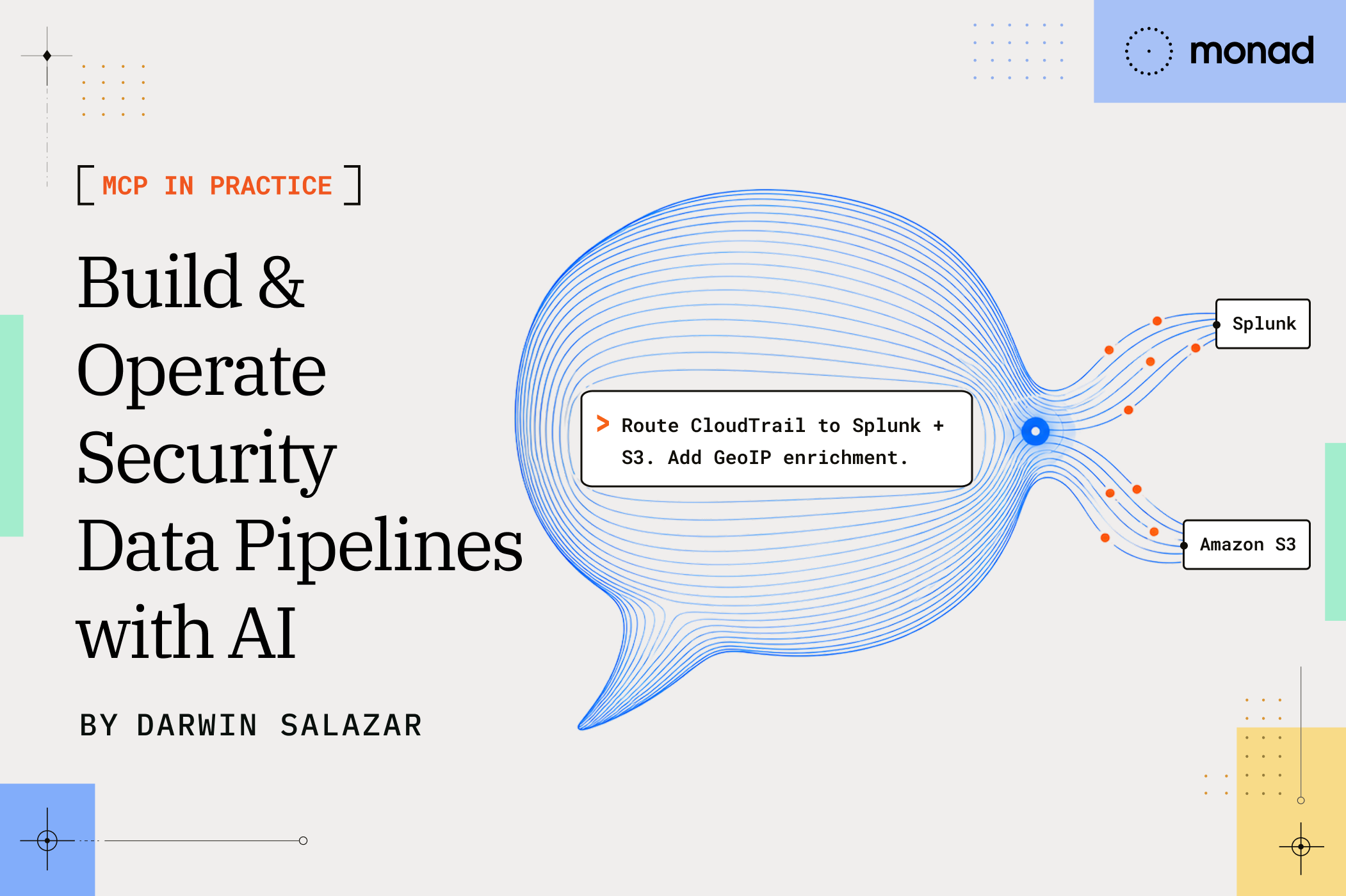
Take a common pipeline: CloudTrail in, clean data out to Splunk. The whole build starts with one prompt:
Create a pipeline for me in my Monad org that ingests cloudtrail logs from my dev AWS account using a SQS queue, drops the fields from each record that have low to no security analysis value, removes data from records that are consistently duplicated in multiple fields while retaining at least one set of that data, normalizes to OCSF v1.9, and then outputs the data to Splunk. Ask me to provide URLs, ARNs, ports, etc. as needed. Use Monad Community Transforms whenever possible.
Monad Community Transforms are ready-made OCSF, ECS, and CEF transforms in a public GitHub repo anyone can contribute to.
Watch it in action
Kenneth Kaye runs that prompt in Claude Code, answers the agent’s follow-up questions, then walks through the finished pipeline in Monad and confirms records are flowing.
You stay in control
Sampled records go to your model provider; the MCP server stores no conversation history or pipeline data.
- No credentials in chat. Auth is OAuth through your browser on your existing Monad session. Connector secrets go in Settings → Secrets and never reach the agent; it’s instructed never to ask for one, and if it does, set it there instead. Revoke access under Settings → Connected Applications. It’s immediate, and every request is re-checked against the Monad API.
- It can’t do anything you can’t.
mcp:readandmcp:writeare checked against your RBAC role in each org on every request, and you choose which orgs the agent can touch when you authorize it. Read-only in an org means the agent is read-only there too. - New pipelines start disabled. Every time. You add credentials, confirm the connection, and decide when it’s enabled. Edits to pipelines that are already running go live. The agent confirms before deleting, and the API refuses to delete anything a pipeline still uses.
Get connected
Point your client at https://app.monad.com/mcp. There’s nothing to install, and per-client setup steps are in the MCP docs. Access is enabled per user, so if authorization fails, ask your Monad contact to turn it on.
Try it
Connect a client to a sandbox org, pick one source, and ask the agent for the pipeline you’d otherwise build by hand. New to Monad? Book a live walkthrough.
Related content
Valerie Worman
|
September 23, 2026
.avif)